
Good news for Android users! Google Wallet is now ready to be used! Last August, Apple introduced Apple Pay in Malaysia. Now, it is Google‘s turn to introduce us to Google Wallet, which is convenient for our daily lives.
Some may wonder, “What is Google Wallet?” It is a private and secure wallet that will ease your access to payment cards, passes, tickets, and more. Just like other digital online pay, you can easily pay for online purchases.
Steps To Activate Google Wallet On Android
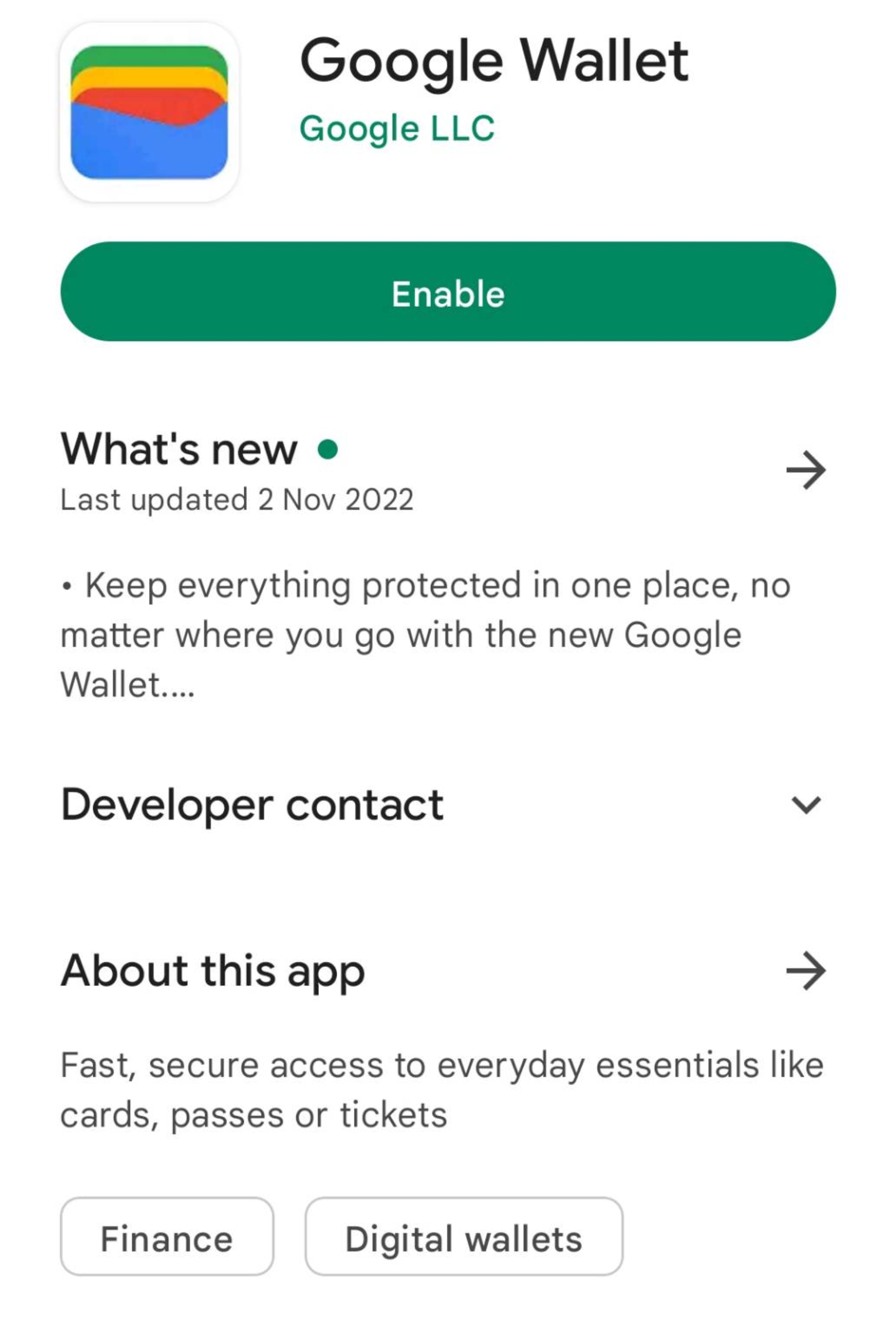
1) Install Google Wallet on Google Play Store, or you can click here.
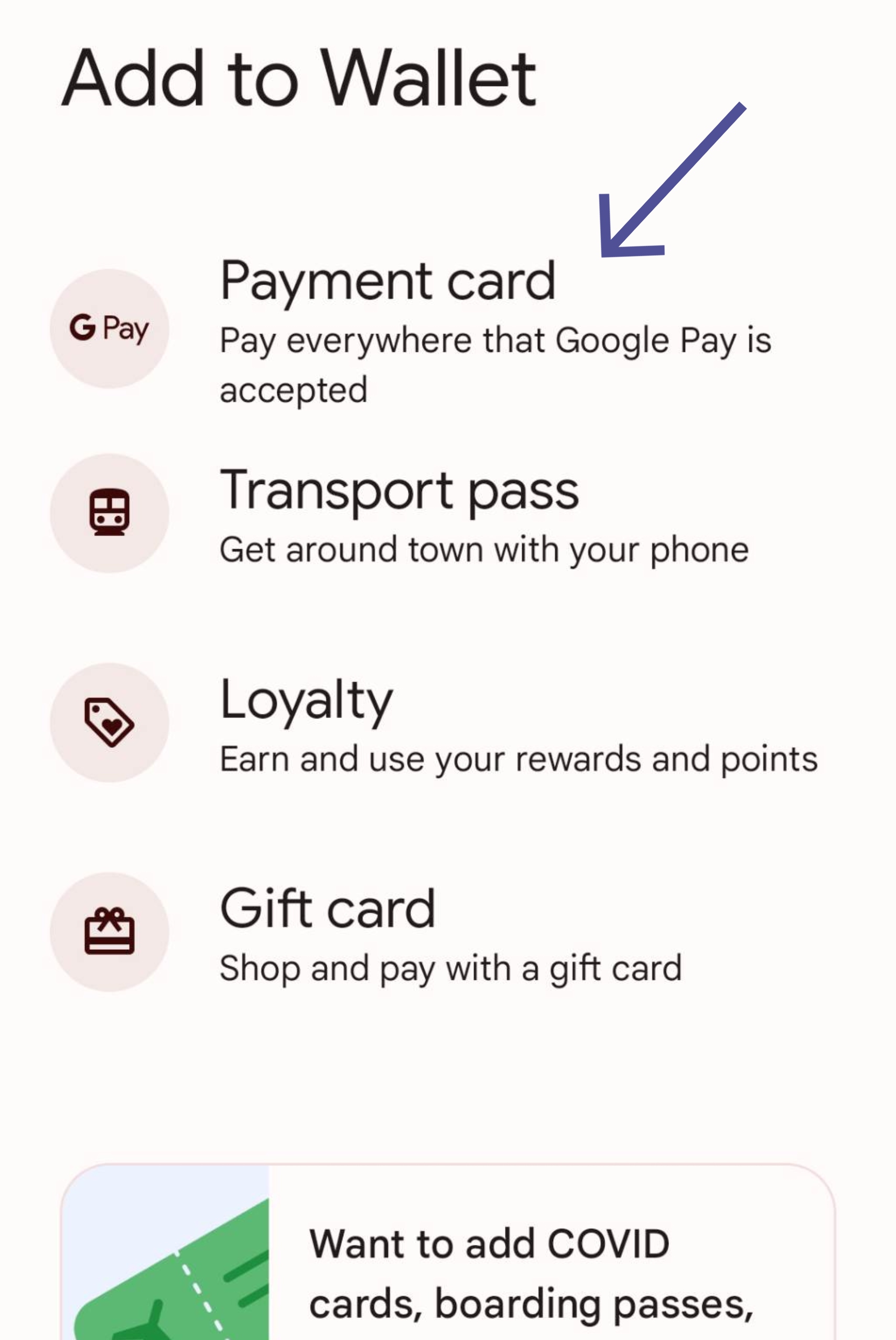
2) Open the application. Tap on Add To Wallet.
3) Next, tap on Payment Card.
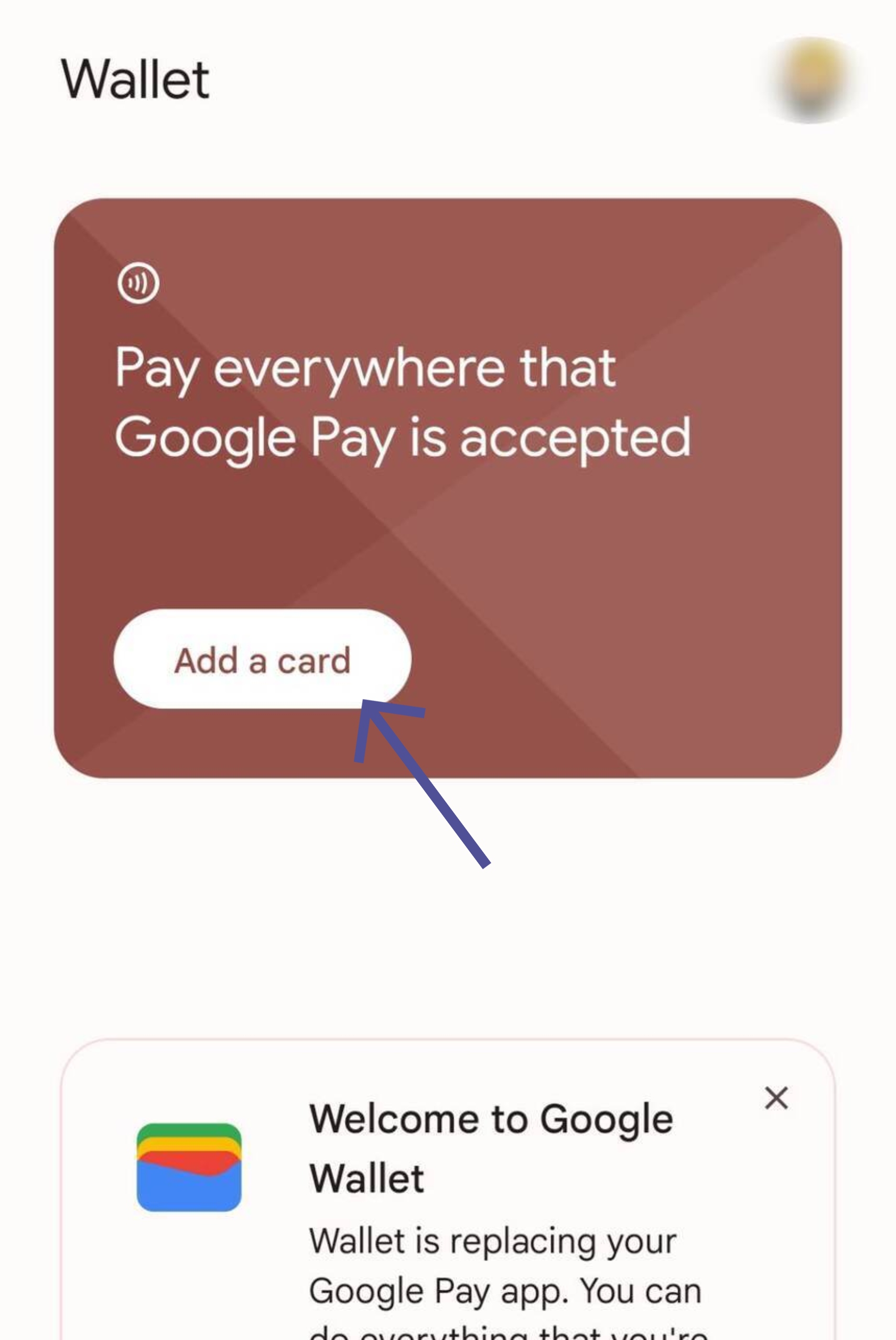
4) Fill out the bank information asked.
5) Once that has finished, you will be notified of the terms and conditions of Google Wallet. Read the terms and tap on Accept.
6) You will be notified with a code through message, email, or bank. Now, you can set Google Wallet as the payment mode.
Google Wallet supports CIMB Bank, Visa Public Bank, and Visa credit cards. Furthermore, it also accepts Hong Leong Bank, Mastercard Hong Leong Islamic Bank, and Visa Public Bank debit cards. Are you an HSBC card holder? No worries! You can enjoy Google Wallet in the future once HSBC bank announce the use of Google Wallet for their users.
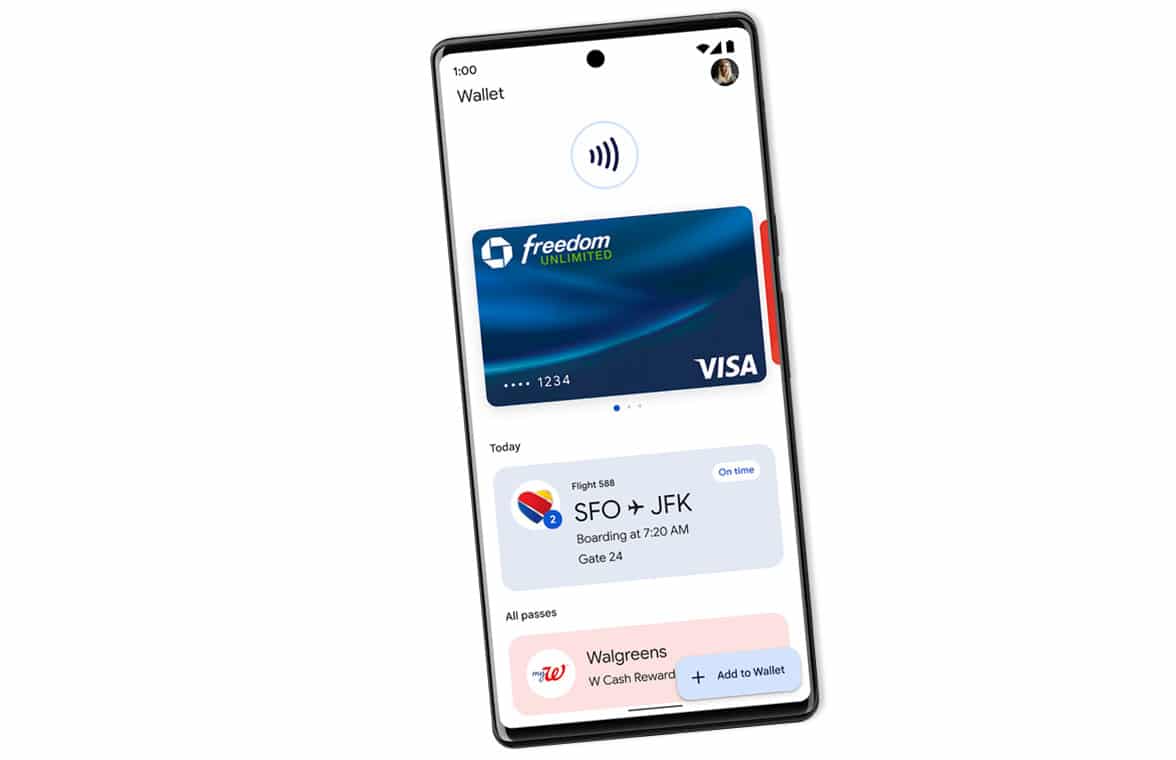
Not only that, Google Wallet is on Google Wear too! Wait, there’s more. Interestingly, the AirAsia boarding pass can be added to Google Wallet. Malaysia Airlines will be following AirAsia soon.
Do not forget to activate the NFC support before using Google Wallet.
Enjoy!
Source: Google Wallet