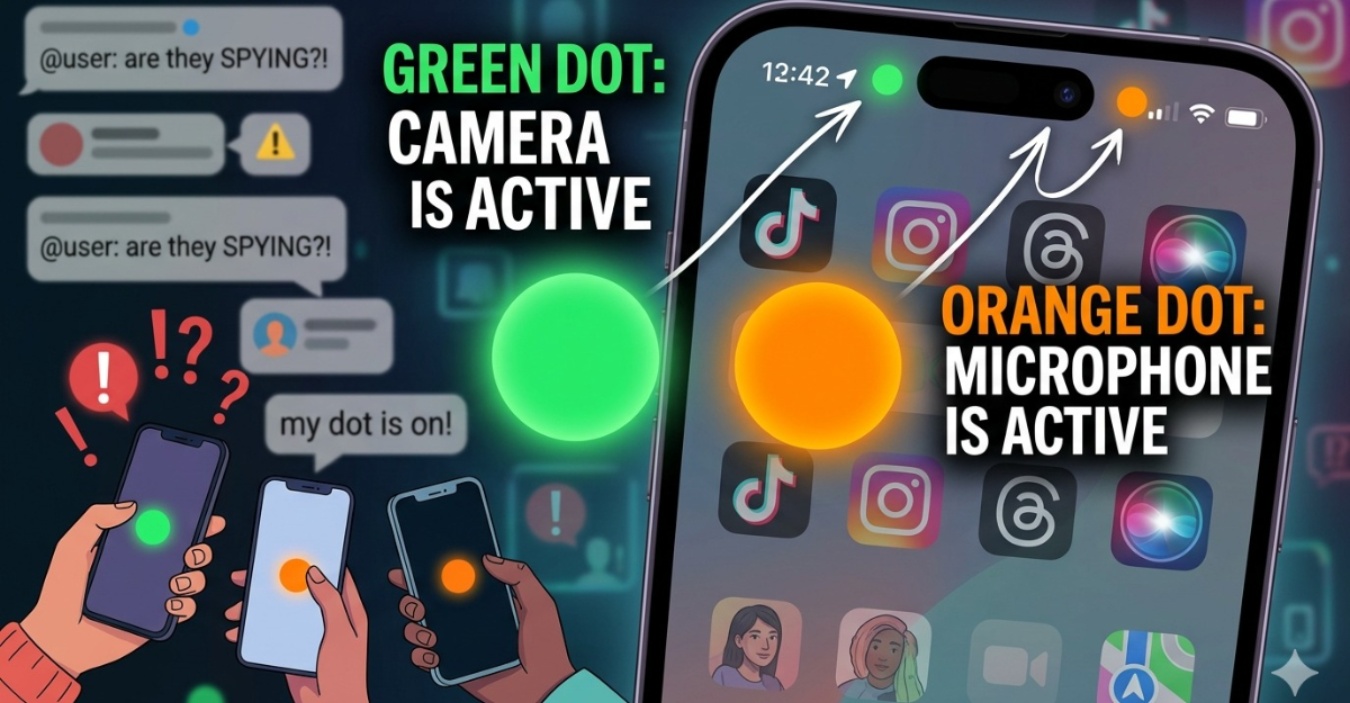
The iPhone green and orange dot meaning has suddenly become one of the internet’s biggest accidental mysteries, with confused users across social media wondering whether their phones are secretly spying on them.
From TikTok comments to viral Threads posts, the tiny colored indicators sitting quietly at the top of the screen are now triggering full detective-mode energy online. Here is the updated guide on what those dots actually mean in 2026.
Green Dot: Camera is Active (or both camera and microphone)
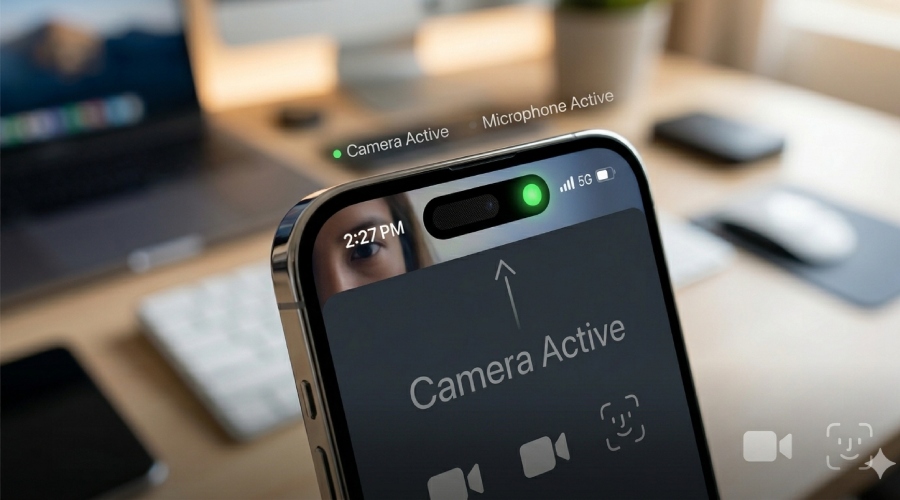
The green indicator appears when an app is using your camera. This usually happens when you:
- Open TikTok or Instagram camera
- Join a video call
- Take photos or vidoes
- While using face ID: For standard unlocking, the green dot usually doesn’t stay on but it’s primarily for when an app uses the TrueDepth camera for things like Memoji or AR filters.
Sometimes the microphone is active together with the camera too.
Orange Dot: Microphone is Active
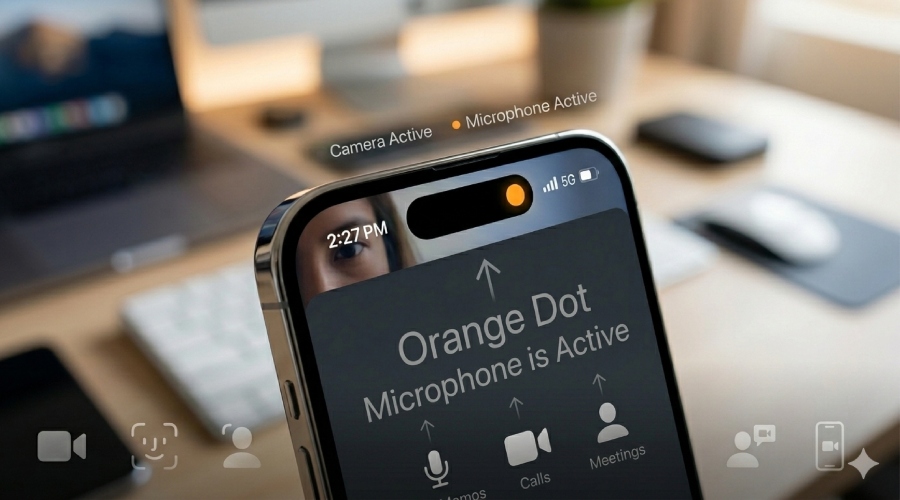
The orange indicator means your microphone is currently being used. You will normally see it when:
- Recording voice notes
- Talking during phone calls
- Using siri
- Recording videos with audio
- Joining voice chats or online meetings
Basically, you iPhone is warning you that an app can hear you.
Blue Dot/Arrow: Location is Active
In 2026, location privacy is just as viral as camera privacy. A blue indicator shows up when an app is accessing your location, acting as a vital part of this complete security guide.
Where to Find Them
If you are using a newer model (iPhone 15 through iPhone 17), these dots now appear inside the Dynamic Island rather than just floating in the status bar. It’s a small design tweak, but one that tech enthusiasts will definitely notice.
Why Apple Does This
The feature was originally introduced as a privacy tool in iOS 14 to let users know when apps access sensitive hardware. Fast forward to today, and iOS 19 has made these even more transparent by showing the specific app icon directly in the Control Center when you swipe down.
In the age of internet paranoia, these dots act like mini security guards living at the top of your screen.
Everyone is Talking About
Because most people never noticed it before. Now that screenshots and Threads posts about the dots are going viral, users are suddenly realizing their iPhone has been quietly exposing app activity this whole time.
View on Threads
Naturally, the internet reacted the only way it knows how: panic first, Google later. So no, your phone is probably not possessed.
Source: Apple Support, Asurion